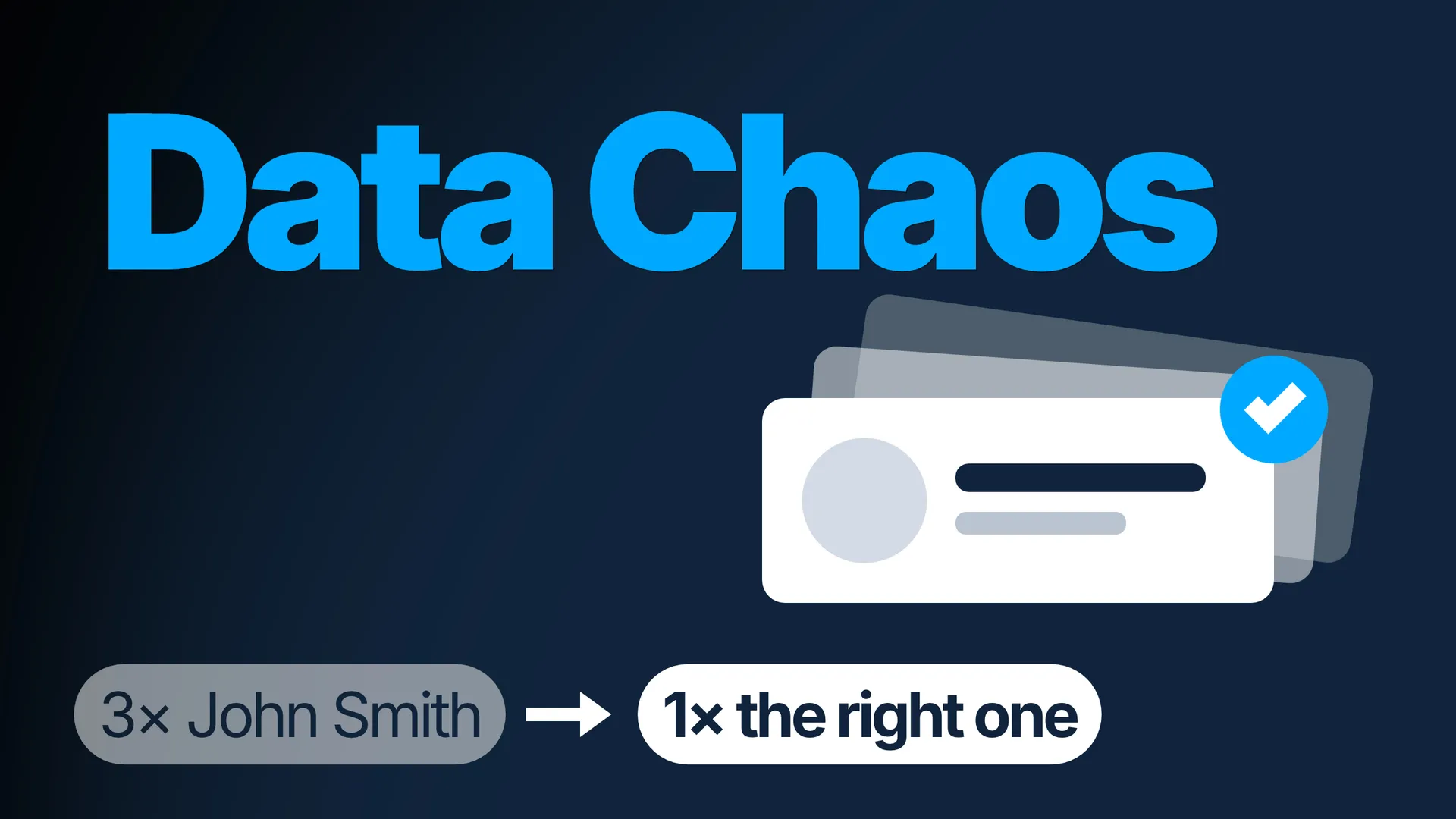

CRM data quality describes how complete, up to date, consistent and unique the contact, company and deal data in your system is. Automations, lead scoring and reports only work the way they should when the data behind them is clean.
Sound familiar? You want to send a customer a quick message, type their name into the CRM and get three results. One has an old phone number, one isn't linked to any company, and the third is missing an email address. So which one is the right one?
What is merely annoying once quickly becomes expensive in day-to-day work: marketing emails the same person twice, sales calls numbers that no longer exist, and the reports show figures nobody really trusts.
How can you tell your CRM data has a problem?
Poor data quality rarely shows up all at once. It usually appears in small places that slowly become the norm.
Typical signs:
- Duplicates: The same person or company exists several times, often with a slightly different spelling or a second email address.
- Outdated contact details: Contacts changed jobs long ago, phone numbers and addresses are no longer correct.
- Empty fields: Important information such as industry, lifecycle stage or contact owner is missing for a large share of records.
- Free-text sprawl: The “legal form” field contains “Ltd”, “Ltd.” and “Limited” side by side, the “country” field says “Germany”, “DE” or “Deutschland”.
- Unassociated records: Contacts aren't linked to a company, deals aren't linked to a contact. Context gets lost.
If you recognise yourselves in two or more of these points, it's worth taking a closer look.
Where does the data chaos come from?
Data chaos is almost never intentional. It grows with every import, every new form and every person who maintains data in their own way.
The most common causes:
- Imports from Excel and legacy systems: Lists from trade shows, the old CRM or colleagues get uploaded without being matched.
- Multiple forms: Newsletter sign-up, contact form and whitepaper download each ask for different fields in different formats.
- Manual entry without rules: Everyone enters data the way it seems sensible to them at the time.
- No clear ownership: If nobody feels responsible for the data, nobody cleans it up.
A practical example: a customer meeting with and without clean data
Here is what it feels like in practice:
Julia, Key Account Manager, is preparing for a meeting with Miller Engineering Ltd.
Scenario A: data chaos
- Julia searches the CRM for “Miller Engineering” and finds two company records, one of them spelled “Millar”.
- The latest emails are attached to one, the deals to the other. The main contact exists three times.
- Julia spends 20 minutes piecing the history together and misses the fact that the customer opened a support request last week.
- In the meeting, that is exactly what the customer brings up. Not a great start.
Scenario B: clean data in HubSpot
- Julia opens the single company record for Miller Engineering Ltd.
- All contacts, emails, deals and tickets are attached to it. She spots the support request in the timeline right away.
- After five minutes she is prepared and can raise the request herself in the meeting.
What does poor data quality cost you?
Bad data costs time, trust and, in the end, revenue.
The consequences run through every team that works with the CRM:
- Wasted time: Sales and service search, compare and ask around when they could be talking to customers.
- Annoyed contacts: Duplicate newsletters or wrong salutations look unprofessional and lead to unsubscribes.
- Wrong decisions: Lead scoring, reports and dashboards are only as good as the data behind them. When fields are empty, hot leads end up in the wrong bucket. (Read more in our article [Link: Lead Scoring in HubSpot].)
- Bumpy handovers: Without a complete history, information gets lost between marketing and sales. (See also [Link: Lead handoff with HubSpot].)
- Data protection risk: If you don't know what data you hold and how current it is, GDPR access and deletion requests become difficult.
- Unnecessary costs: HubSpot bills by marketing contacts. Duplicates and dead records quickly make that more expensive than it needs to be.
How does HubSpot help you keep your data clean?
HubSpot comes with several tools that detect and fix errors and, above all, stop new ones from appearing. The most important ones at a glance:
- Duplicate management: HubSpot checks daily which contacts and companies might be duplicates, for example based on name, email, phone number or domain. In the duplicates tool you can compare the pairs and merge them.
- Required fields: In forms and for certain deal stages, you can define which information has to be filled in before anyone can move on.
- Dropdowns instead of free text: Set up fields such as industry, country or legal form as picklists. That leaves only one way to spell each value.
- Validation rules: You can add rules to properties, such as a specific number format or a minimum length. Incorrect values then can't be saved in the first place.
- Data quality overview: Under “Data Management”, HubSpot shows duplicates, formatting issues (such as names in all caps) and properties that are barely used, all in one place.
- Workflows for data maintenance: Automations can standardise fields, fill in missing values or flag contacts who haven't engaged in months.
4 steps to clean CRM data
The best approach is to tackle the topic thoroughly once and then use clear rules to keep it that way.
1. Take stock
Get an overview: how many duplicates does HubSpot show? Which fields are empty for most records? Which properties does nobody actually use? HubSpot's data quality overview is a good place to start.
2. Set rules
Agree together on which fields you really need, which are required and in what format they are maintained. Just as important: who is responsible for data quality? Having one person or a small team as the go-to contact helps enormously.
3. Clean up thoroughly, once
Merge duplicates, standardise free-text values, associate contacts with companies and review outdated records.
Be careful: merged records in HubSpot can't be separated again. Check carefully beforehand which record should be kept.
4. Automate and check regularly
Required fields, dropdowns, validation rules and workflows make sure new data comes in clean. Also schedule a fixed slot, for example once a quarter, to briefly check your data quality.
Before and after
| Before | After |
|---|---|
| 3 records for the same contact | 1 record with the full history |
| "Ltd", "Ltd.", "Limited" | One option in a dropdown |
| Industry empty for every second contact | Required field in the form |
| Reports nobody trusts | Figures you can plan with |
| Searching before every meeting | Everything at a glance |
FAQ: Common questions about data quality in HubSpot
The duplicates tool for contacts and companies is available with a Professional or Enterprise subscription. If you want to define your own rules for how HubSpot detects duplicates, you need Data Hub Professional or Enterprise. Automatically fixing formatting issues is also limited to Professional and Enterprise subscriptions. (As of November 2026; HubSpot adjusts its packages regularly.)
After the first big clean-up, a short check every quarter is enough in many cases. Rules that prevent new errors matter more than frequent clean-ups: required fields, dropdowns and clear ownership.
In general, you shouldn't keep personal data longer than you need it. Before deleting, though, check whether there are retention obligations, for example for existing contracts or invoices. A good interim solution: set inactive contacts as non-marketing contacts. They stay in the system but no longer count towards your marketing contacts.
Clean data pays off every day
A CRM is only as good as the data in it. If you take the time once to clean up and set clear rules, you save time every single day afterwards. And all the automations built on that data finally work the way they should.
Do you have questions or need help with the setup? Schaller Digital helps you clean up your HubSpot data, define sensible rules and automate data maintenance as far as possible. Get in touch with us!